 The Playbook Desk
Productivity Apps Compared: Notion vs Obsidian vs Todoist vs Things

Finding the Right Productivity App for You
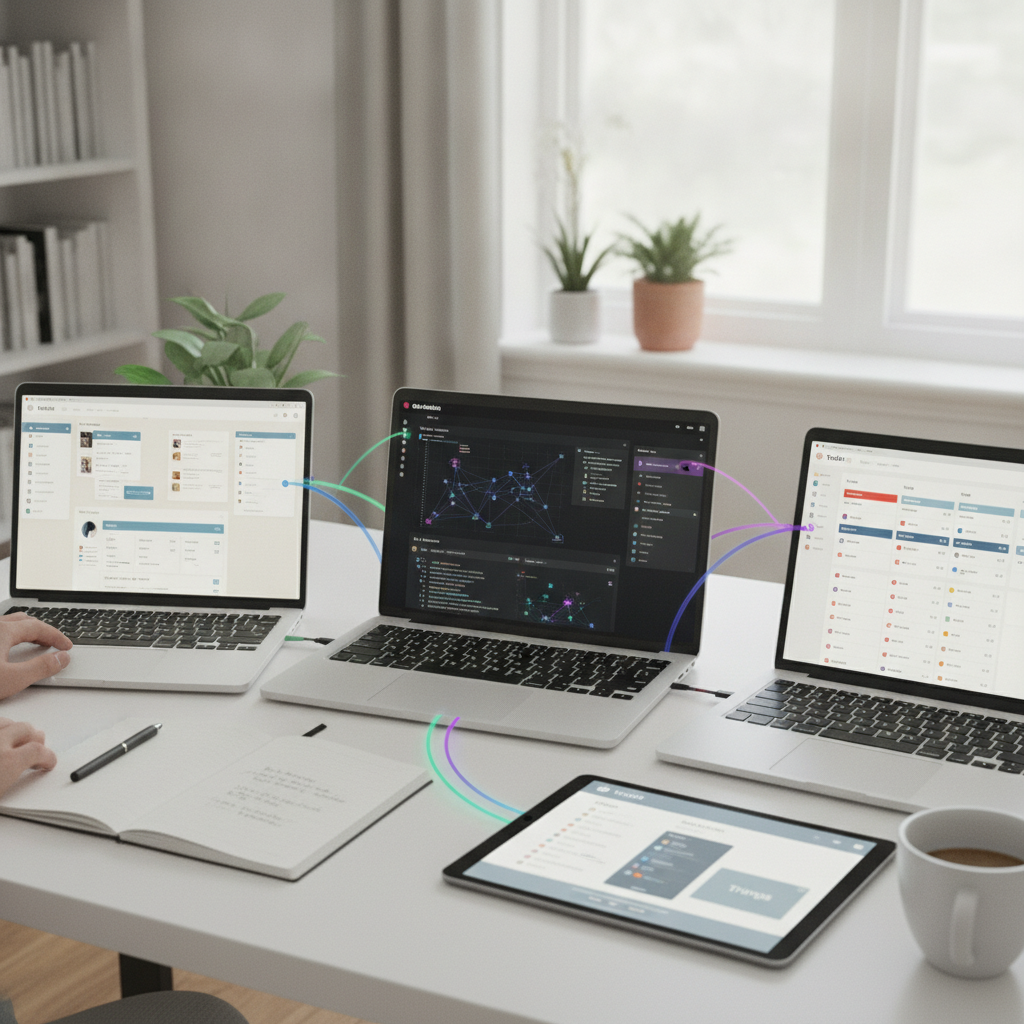
In today's fast-paced world, staying organized and productive is more important than ever. With a myriad of productivity applications available, choosing the right one can be daunting. Here, we compare four popular productivity apps: Notion, Obsidian, Todoist, and Things, examining their features to help you find the best fit for your personal and professional needs.
Notion: All-in-One Workspace
Notion stands out as a versatile workspace that combines notes, tasks, databases, and calendars all in one platform. Its highly customizable interface allows users to create personalized layouts, making it ideal for anyone looking to organize their life in a visually appealing way.
"Notion's flexibility and collaborative features make it suitable for teams and individuals alike."
Moreover, the ability to integrate various types of content—including text, images, and links—means users can create comprehensive projects that incorporate all necessary information in one place. However, its learning curve may be steep for newcomers.
Obsidian: The Knowledge Base
Obsidian is a note-taking app designed for building a personal knowledge base. Its unique feature is the ability to create a network of linked notes, which encourages a more interconnected approach to information. This makes it a favorite among students and researchers.
"Obsidian's markdown support and graph view allow users to visualize their thoughts and ideas."
One of Obsidian's standout features is its offline capability, which means you don't need an internet connection to access your notes. However, while the app excels in note organization, it may not be as efficient for task management compared to its competitors.
Todoist: Task Management Simplified
Todoist is a straightforward task management app perfect for users seeking a simple yet effective way to manage their to-dos. Its clean interface allows for quick entry of tasks, and it provides features like due dates, recurring tasks, and project categorization.
"Todoist's intuitive design makes it easy to prioritize tasks and stay on top of deadlines."
Additionally, Todoist integrates with various other tools, enhancing its functionality. However, users looking for extensive note-taking or project management capabilities may find it lacking compared to apps like Notion or Obsidian.
Things: The Apple Ecosystem Champion
Things is a task management app crafted specifically for Apple users. Its sleek design and smooth performance align beautifully with macOS and iOS aesthetics. Things offers features like project planning, tagging, and reminders, creating a seamless user experience.
"Things makes staying organized a pleasure with its elegant interface and powerful features."
While Things is highly regarded for its user-friendly design and focus on task completion, its exclusivity to Apple devices may limit accessibility for users on other platforms.
Conclusion: Choose Based on Your Needs
Ultimately, the best productivity app for you will depend on your specific needs. If you seek a multifunctional workspace, Notion may be your best bet. For those focused on building a knowledge base, Obsidian is a top choice. If task management is your priority, consider the simplicity of Todoist or the elegant design of Things for Apple users. Evaluate what features matter most to you and try out a few options to enhance your productivity.